
AI-trained crop recipe management
Define the target environment once per crop and stage, then track every batch against it.
1CoreWhat this module does
A crop recipe is the plan you intend; the batch record is what actually happened. BeeGrow AI versions the recipes, applies them to batches and keeps the two side by side, so a disappointing cycle comes with evidence rather than a theory. Once a site has completed cycles of a crop with recorded yields, each batch of that crop in progress shows targets learned from the higher-yielding cycles, in place of the recipe’s defaults.
- Recipes are versioned, so you know which version a batch actually ran
- Re-activation and multi-cycle histories kept on the same batch record
- Stage-specific targets for the environment and the nutrient feed
- Comparison of planned against delivered conditions across cycles
- Learned targets from higher-yielding completed cycles of the same crop, where the data exists
In detail
Lifecycle and BBCH stages
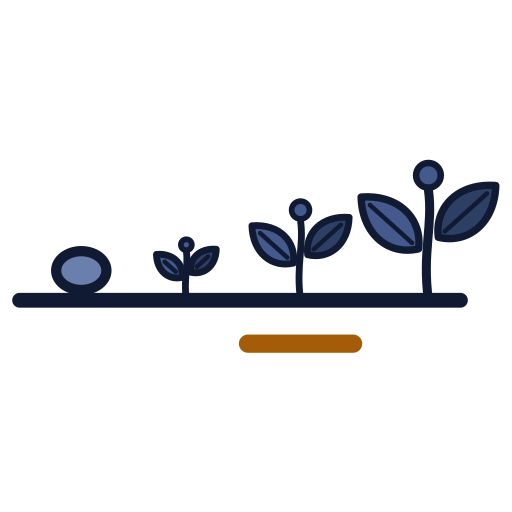
Batches move through defined growth stages, each with its own targets. Stage transitions are recorded, not inferred, so day 24 means the same thing on every site.

Cultivar catalogue
Cultivars carry their baseline recipes, expected cycle lengths and quality parameters, so a new batch starts from what you already know rather than from blank fields.
Stage targets
Each growth stage carries its own environmental and nutrient targets, so the setpoints move as the crop develops, and the conditions actually delivered sit beside them.
Spacing and zone planning
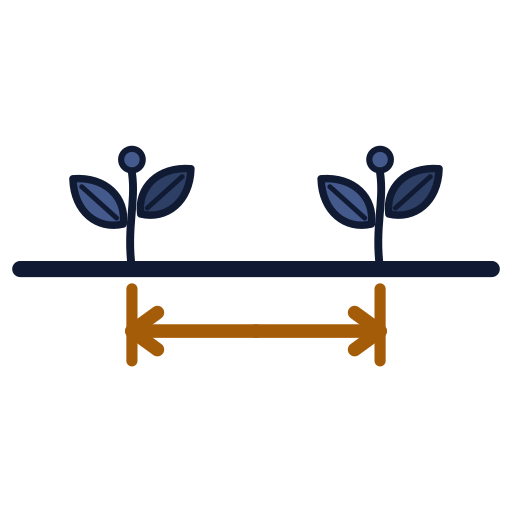
Plan zone occupancy and spacing through the cycle, then use those plans when checking available capacity.
Propagation to production
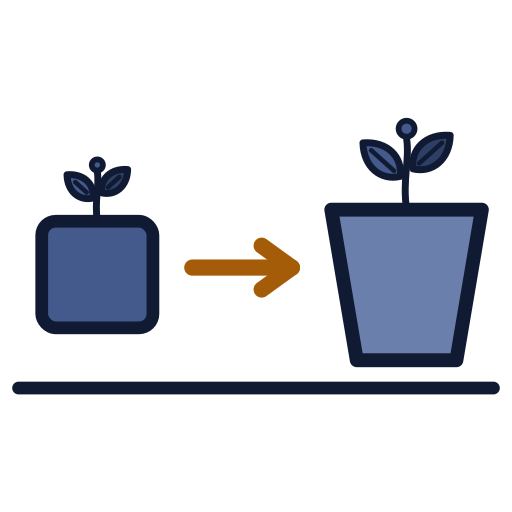
Sowing, germination, transplant and spacing sit in one batch history rather than in separate systems.
Deviation and outcome
Where the batch left its recipe targets sits beside its growth and harvest records, which is where the investigation of a poor cycle starts.
Works with
Closed-loop control & safety
Recipe-driven setpoints, PID loops and a safety envelope the model cannot widen.
Learn more
Forecasting & prediction
Harvest forecasts and growth-stage estimates, each showing its method and confidence.
Learn more
Fertigation & irrigation
Nutrient recipes, irrigation schedules, tanks and dosing records.
Learn moreBring your crop plan into one recipe
A 30-minute walkthrough against your zones, crops and sensors. No slides unless you ask for them.
- Walkthrough led by someone who has built the system
- We map your zones, crops and sensors before the call
- Straight answers on what fits and what does not